Describe the flow, get the recording.
One command records your web app and hands back a video, screenshots of the main steps and a runbook — the evidence UAT, a hand-off, a bug report or a review asks for, without half an hour of screen capture.
Then type this in your agent
/webapp-evidence:recording - Claude Code
- Cursor
- Codex
- Gemini CLI
- Antigravity
Built for UAT
Acceptance criteria in, signed-off evidence out
AI made the change fast. Proving it works did not get faster: acceptance testing still means someone clicking through every criterion and recording it by hand. Write the criteria as a flow instead — one take comes back with each of them on camera, timestamped, and every page error written down.
- 01
Write the criteria as a flow
Numbered steps in plain words, in whatever language the team works in. An MR or PR link works too — the agent reads what changed and proposes the flow.
- 02
One take runs every step
Chrome is driven by a visible pointer at a pace a viewer can follow. A step that calls an endpoint asserts its status, so a wrong answer stops the take instead of shipping as evidence.
- 03
The runbook is the report
Every step with its time in the video, the commands run and their exit codes, and every console error and failed request seen while recording.
- 04
Sign off, or send it back
The reviewer checks each criterion against a timestamp instead of re-running the flow. After a fix, “record that again” makes a new take and keeps the old one beside it.
This page, read as a UAT report
The video under How it works is this page, recorded by the skill it describes. Pick a criterion to see the runbook lines that prove it.
Acceptance criteria
- ## Steps in the video
- 00:00 - 00:01 Hero — the page as it opens
- 00:01 - 00:03 Hero — the firefly answers the pointer
- 00:03 - 00:05 Hero — copy the command that starts a recording
- 00:05 - 00:17 Terminal — the SEO meta the page serves, read off its URL
- 00:17 - 00:24 UAT — the four steps light up under the pointer
- 00:24 - 00:41 UAT report — each criterion picks out the runbook lines that prove it
- 00:41 - 00:46 How it works — three steps and the recording they produce
- 00:46 - 00:51 Full-stack proof — the screen, the endpoint and the database
- 00:51 - 00:53 Vision — contact sheets of the take
- 00:53 - 00:59 Features — the cards warm as the pointer crosses them
- 00:59 - 01:07 Install — one panel per agent
- 01:07 - 01:11 Back to top — the firefly flies the reader up
- 01:11 - 01:28 Language menu — Tiếng Việt, 日本語, 简体中文 and back to English
- 01:28 - 01:34 Closing on Tiếng Việt
- ## Commands run in the terminal
- - 00:12 `curl -s https://evdrec.vercel.app/ | grep -oE '<title>[^<]*</title>|<meta[^>]*(name="description"|property="og:(title|url|image)")[^>]*>' | cut -c1-100` — exit 0
- ## Page errors recorded during the take
- - none
Lines copied unedited from the runbook of that take.
How it works
Three steps, inside the agent you already use
- 01
Install the skill
One command for Claude Code, Cursor, Codex, Gemini CLI or Antigravity. Recording needs Chrome, ffmpeg and Node; the agent names anything missing and offers to install it.
- 02
Describe the flow
The page and the steps, or nothing at all: right after a change, the agent already knows which screen you were working on.
- 03
Get the evidence
An mp4, numbered screenshots and a runbook, on your disk. Attaching them to a ticket, an MR or a report is yours to do — nothing is committed.
Full-stack evidence
One take proves the screen, the endpoint and the database
A screen recording shows half of a full-stack change. The same take can call the API with the session the browser already holds, and read the row it wrote back from the database.
/webapp-evidence:recording Page: https://app.example.com/orders
Flow:
1. Create an order for SKU ABC, quantity 2
2. Call POST /api/orders and show it answering 201
3. Query the orders table and show the row that appeared-
The screen
The form is filled in and submitted by a visible pointer, at the pace a viewer reads at.
-
The endpoint
A terminal panel opens over the page and curl runs there with the browser’s cookies. The step asserts the status, on camera.
-
The database
psql, mysql, a rake task — whatever you would run yourself, with the new row in frame beside the screen that created it.
Cookies and tokens reach curl through a file and are masked everywhere: video, screenshots, runbook.
Checking the take
An agent cannot watch a video. vision lets it read one.
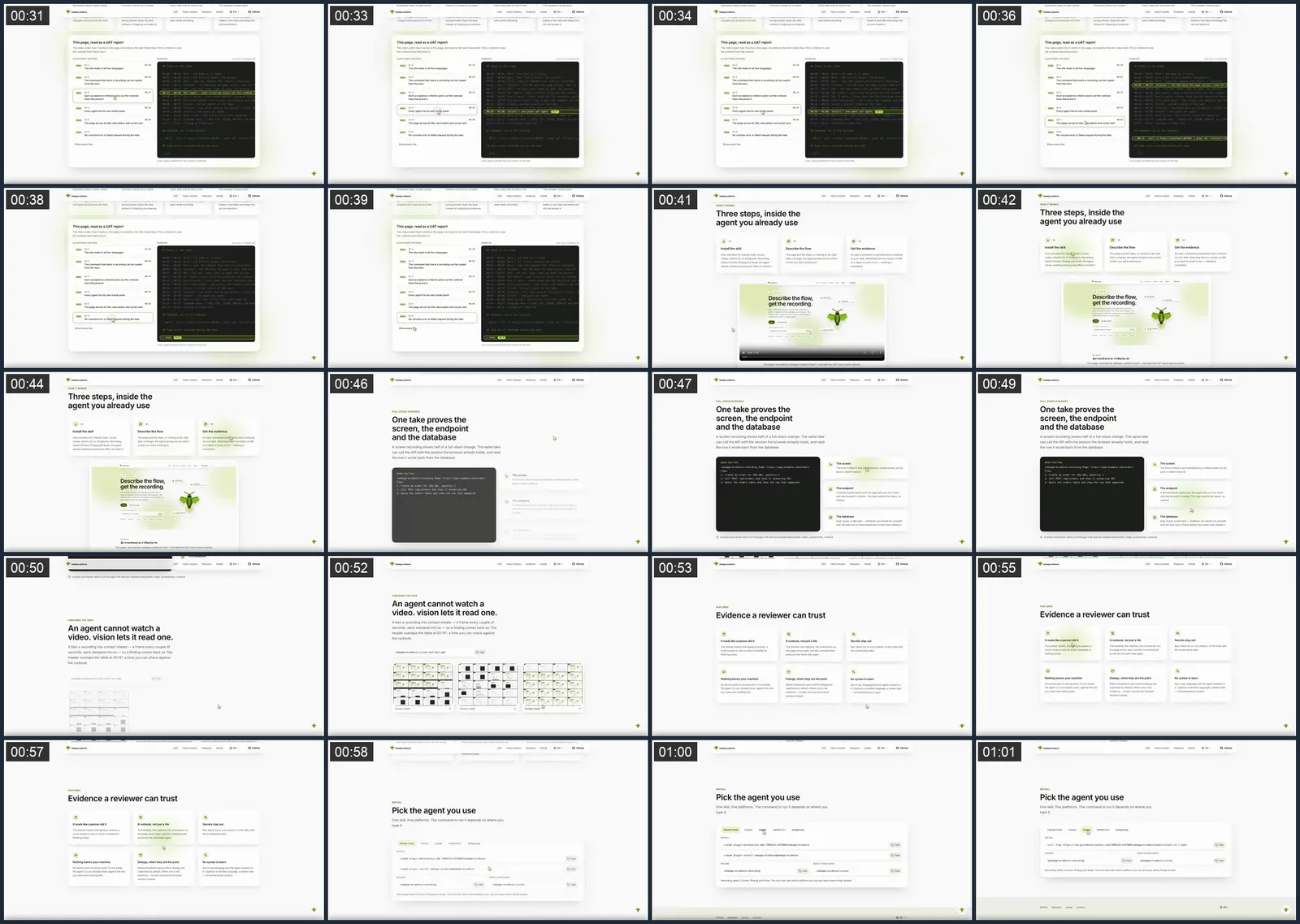
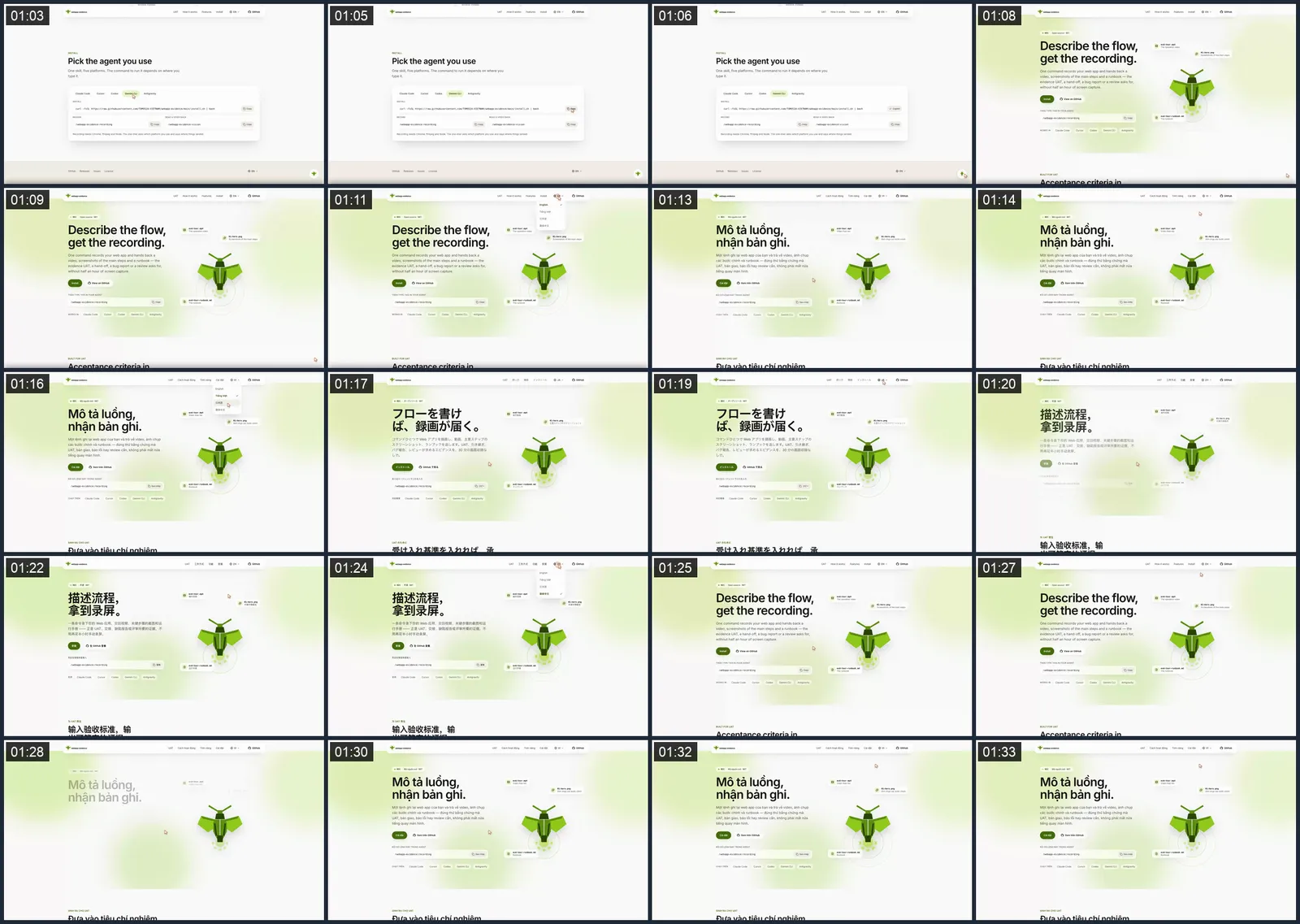
It tiles a recording into contact sheets — a frame every couple of seconds, each stamped mm:ss — so a finding comes back as “the header overlaps the table at 00:14”, a time you can check against the runbook.
/webapp-evidence:vision evd-tour.mp4 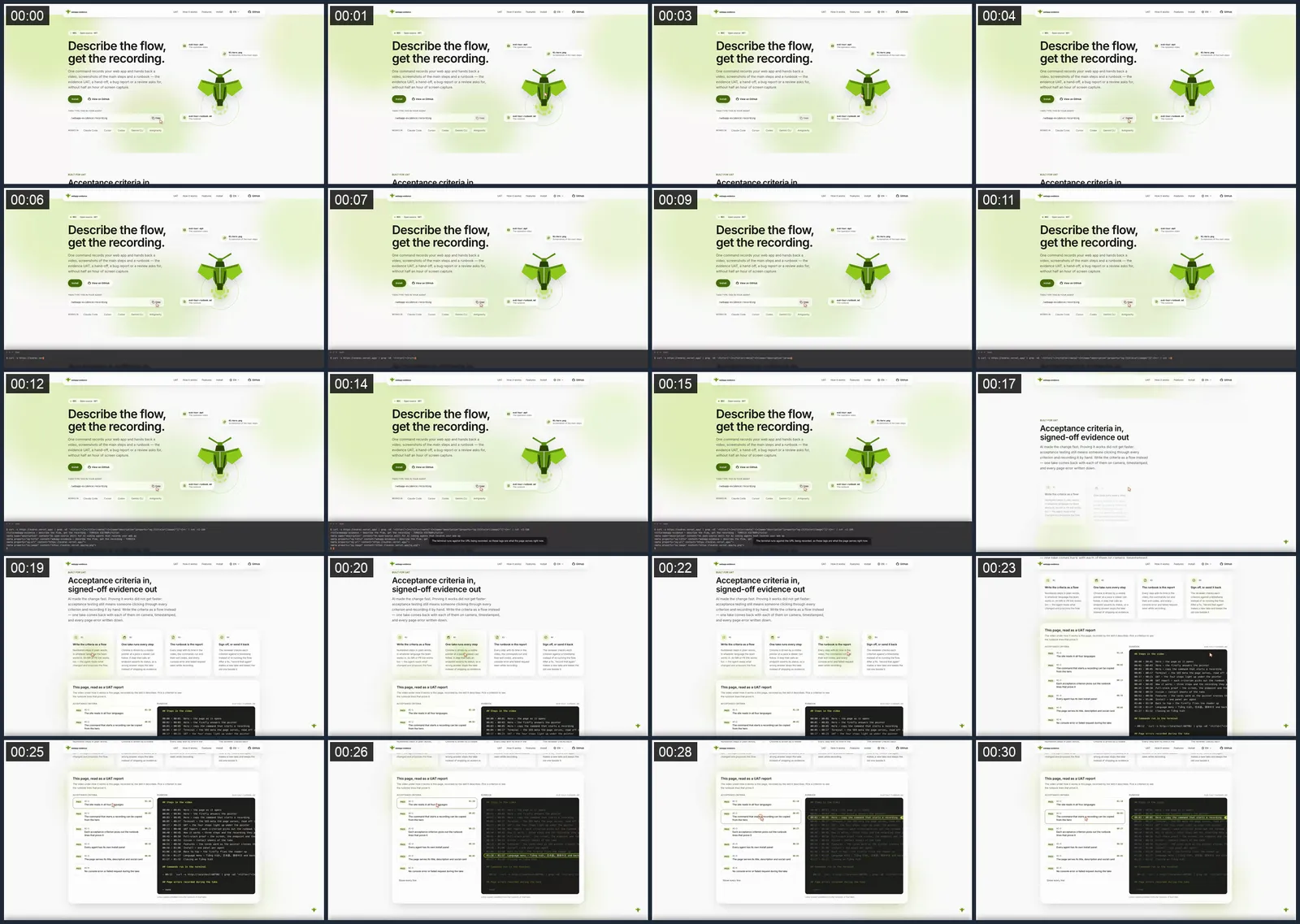
Features
Evidence a reviewer can trust
-
It reads like a person did it
The pointer travels, the typing is uneven, a scroll comes to rest on what it travelled to. Nothing jumps.
-
A runbook, not just a file
The timeline, the captions, the commands run, the page errors seen, and the command that produces the same take again.
-
Secrets stay out
Blur, black out or cut a stretch, in the video and the screenshots alike.
-
Nothing leaves your machine
No service and no bot account. It runs inside the agent CLI you already have, against the site you name and nothing else.
-
Dialogs, when they are the point
Native dropdowns and confirm dialogs are captioned by default. When one is the evidence, --screen records the browser window instead.
-
No syntax to learn
Ask in any language and the agent answers in it. Captions in another language, a slower take — remembered per project.
Install
Pick the agent you use
One skill, five platforms. The command to run it depends on where you type it.
Claude Code
Install
claude plugin marketplace add TOMOSIA-VIETNAM/webapp-evidence claude plugin install webapp-evidence@webapp-evidence Record
/webapp-evidence:recording Read a video back
/webapp-evidence:vision Cursor
Install
curl -fsSL https://raw.githubusercontent.com/TOMOSIA-VIETNAM/webapp-evidence/main/install.sh | bash Record
/webapp-evidence-recording Read a video back
/webapp-evidence-vision Codex
Install
curl -fsSL https://raw.githubusercontent.com/TOMOSIA-VIETNAM/webapp-evidence/main/install.sh | bash Record
$webapp-evidence-recording Read a video back
$webapp-evidence-vision Gemini CLI
Install
curl -fsSL https://raw.githubusercontent.com/TOMOSIA-VIETNAM/webapp-evidence/main/install.sh | bash Record
/webapp-evidence-recording Read a video back
/webapp-evidence-vision Antigravity
Install
curl -fsSL https://raw.githubusercontent.com/TOMOSIA-VIETNAM/webapp-evidence/main/install.sh | bash Record
/webapp-evidence-recording Read a video back
/webapp-evidence-vision Recording needs Chrome, ffmpeg and Node. The one-liner asks which platform you use and says where things landed.